

Artificial intelligence projects often fail when deployed models read long documents, missing fields, or mixed unstructured data. For tech leaders, that failure becomes stalled pilots, frustrated stakeholders, and vendors who can’t explain what broke. And it stems from oversold features and undisclosed limits. An enterprise AI vendor evaluation checklist helps you catch these gaps early.
At Aloa, we build AI systems in-house and test them on your data from day one. We surface limits early and show you where models break. We check how they handle volume, edge cases, and compliance requirements. Your team sees what the system can deliver before committing to a full build, and each step fits your workflow.
This guide outlines eight checks you can use to judge any AI vendor. Each one gives you a clear way to test claims, understand their approach, and choose a partner who can support the full build.
TL;DR
- Vendor-built AI pilots fail when models hit messy data, legacy systems, and strict rules, which you can catch early with a clear vendor evaluation checklist.
- You need a structured checklist to compare vendors on engineering depth, security, integrations, and ability to scale.
- Check if vendors build in-house, have done similar enterprise use cases, and can explain their model and infra choices in simple terms.
- Push for clear answers on data handling, access control, monitoring, and long-term pricing so you avoid rebuilds and surprise bills.
- Use this checklist in RFPs, vendor calls, and internal reviews to filter weak options early and back your final choice.
Why AI Vendor Evaluation Matters for Enterprises
Choosing an AI partner affects your budget, your data, and how fast your team can ship useful tools. A clear enterprise AI vendor evaluation checklist helps you avoid pilots that drag on, models that give wrong answers, and systems that cannot handle your daily workload.
Many vendors show smooth demos, but those demos avoid the hard parts. A chatbot may answer sample questions, then fall apart once it connects to your CRM and hits years of messy customer support tickets. A document tool may read a clean PDF, then fail on scanned contracts with blurred text, odd layouts, or missing fields. Some vendors avoid direct questions about how they store customer data or how their system behaves when traffic jumps during busy hours. Without a clear evaluation process, it's easy to choose a vendor who cannot support your setup.
And these gaps often lead to the same stop. A team spends months testing, only to find the model hallucinates, exposes private fields in its answers, or slows down as more users join. Fixing this usually means rebuilding the work from scratch.
A structured evaluation process helps you avoid these problems. It gives you clear questions to ask early, which helps you filter vendors that cannot support your security or integration needs. This also keeps your decisions based on how the system performs in your environment.
8 Must-Check Criteria in Any Enterprise AI Vendor Evaluation Checklist
Vendor demos rarely show how well a system will handle your data, rules, and workload. These eight checks give you concrete ways to test whether an AI partner can support your workflows once the system is in use.
1. Speak to in-house AI engineering expertise
A strong AI partner uses their own engineers to build and maintain your system. This becomes clear once your model works with files like 100-page contracts with uneven spacing, scanned PDFs where half the text is faint, or support tickets filled with slang, emojis, and missing fields. These are the moments when extraction breaks, pipelines slow down, or a Salesforce sync stops working. If the vendor cannot fix these issues themselves, your project stalls while they wait for outside help.
Ask to meet the engineers who will work on your build. Speak with the people who design your pipeline, train the model on your files, write the API links to your tools, and dig through logs when something fails at 5pm. If the vendor avoids showing these engineers or cannot explain who writes the code, expect trouble once your system hits edge cases.
This matters even more after launch. Your team will add fields, update templates, or bring in more users. A vendor with in-house engineers can make changes quickly. A vendor without that depth may take weeks to fix a problem that should take one day.
At Aloa, you work directly with the engineers who design your pipelines and ship your models. They own the code, debug issues themselves, and try new models as they’re released, so production problems get fixed quickly instead of bounced between teams.
2. Check for relevant enterprise use case experience
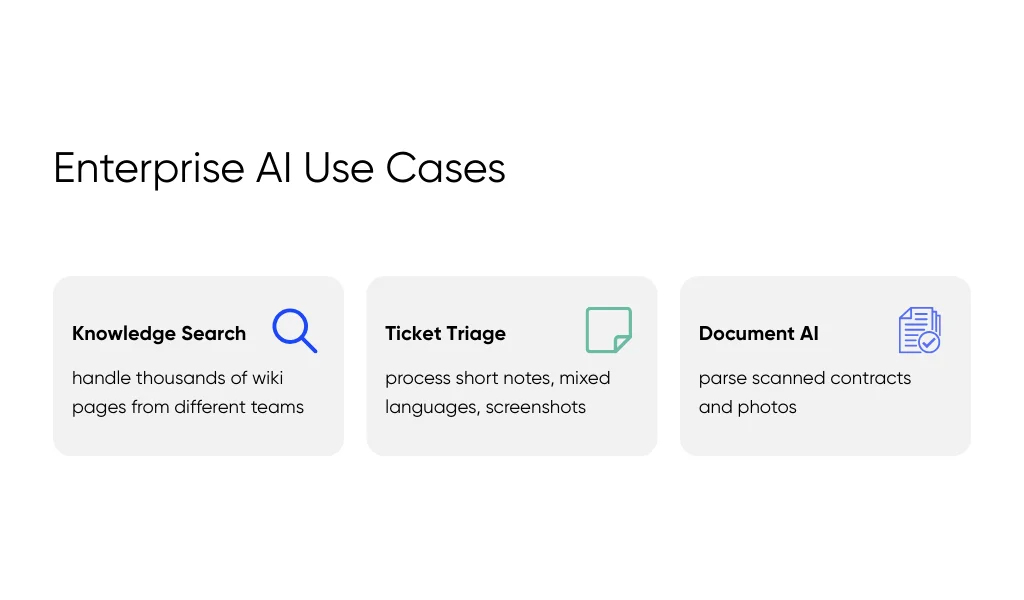
A vendor should have experience with problems that match yours. Enterprise data is often messy and inconsistent. Knowledge search systems must handle thousands of wiki pages written by different teams. Ticket triage must deal with short notes like “pls fix ASAP,” mixed languages, and screenshots. Document AI must parse scanned contracts with clipped signatures or photos taken on a phone.
Ask for metrics, not stories. Look for results like “cut contract review time by 25 percent,” “reduced routing errors by 15 percent,” or “improved extraction accuracy across 10,000 scanned forms.” If a vendor cannot share numbers, they may not have actual experience at enterprise scale.
A vendor with the right experience already knows where things break: poor OCR on bad scans, permission blockers on internal wikis, or slowdowns during peak hours. This saves your team months of trial and error.
This guide to AI-focused business courses for leaders can also help your team get sharper at linking AI use cases to business outcomes.
3. Verify security, compliance, and data governance
Security gets tested the moment your system touches sensitive information. You need to know how the vendor stores your data, who can access it, and how they track changes. Ask for details on encryption, access controls, audit logs, and data deletion. For example, your security team may need to see how a vendor limits access to customer IDs or how they prevent models from storing training samples in memory.
Check that their setup matches your requirements. Healthcare teams may need HIPAA logging. Global teams may require data to stay in certain regions. Finance teams may need SOC 2 evidence. If a vendor says, “Our cloud provider handles security,” that's not enough.
Bring your security team in early. It helps avoid late problems like “this vendor cannot keep data in the EU” or “this pipeline has no access logs.” Fixing these issues at the end often forces a rebuild.
4. Understand their model strategy and flexibility
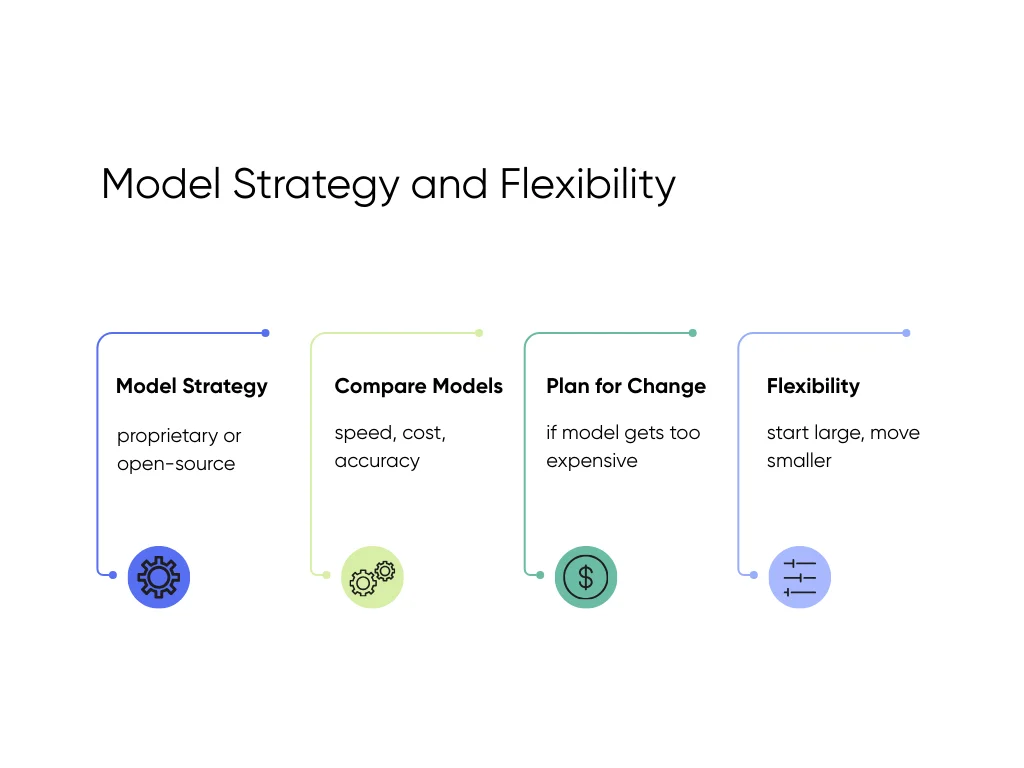
A strong vendor should explain their model strategy before they start building. They should know when to use a proprietary model, when an open-source model is better, and how each option affects speed, cost, and accuracy.
Use questions like:
- “Which models perform best on long documents in your experience?”
- “How would you compare different models using our files?”
- “What is your plan if this model gets too expensive next month?”
If the vendor pushes only one AI model without comparing options, you may get stuck with high costs or slow responses.
You need flexibility as your system grows. For example, you might start with a large proprietary model to learn patterns, then move to a smaller fine-tuned one to lower costs. A good vendor should guide you through these choices. You can also build your own judgment by following a practical learning path for AI decision-makers.
5. Examine architecture, infrastructure, and deployment options
Your AI system needs a solid backend to run at scale. Ask where the vendor can deploy: cloud, VPC, on-prem, or hybrid. Many enterprise teams need strict environments, such as keeping all processing inside a private VPC or storing data on-prem for policy reasons.
Ask for architecture diagrams. They should show how files move through the system, where the model runs, how caching works, and how errors are tracked. A vendor who cannot show a diagram may not have experience running stable production systems.
Traffic matters too. Ask how they handle spikes, like 3,000 documents arriving in one hour or a support team growing from 50 to 300 users. Vendors with experience can explain how they manage queues, handle retraining, and respond to incidents. Vendors without this depth often say “we’ll adjust later,” which usually leads to outages.
6. Test integration maturity and system compatibility
Many AI projects fail because the system cannot connect to your tools. Ask which platforms the vendor has already integrated with: Salesforce, SAP, ServiceNow, EHR systems, internal wikis, or custom databases. These integrations must support SSO, permissions, role-based access, and syncing across multiple sources.
Ask how they handle issues like outdated fields, inconsistent tags, or CSV exports with missing headers. These problems surface quickly during deployments.
If a vendor talks only about model accuracy and avoids explaining their API plan, expect delays. Integrations must be designed early, or the project may work in testing but never reach production.
7. Assess transparency, collaboration, and governance
You need a partner who keeps you informed. Ask how they share updates, what they review in weekly check-ins, and how they document decisions. You should know when a prompt changes, when a model is replaced, or why latency increased after a release.
Look for vendors who use shared dashboards so you can see accuracy, latency, and system health without waiting for a report. Ask how they track model changes or pipeline updates. These habits prevent confusion and help your team understand how the system behaves over time.
Avoid vendors who dodge questions or rely on jargon. You should always understand what they're building and how it affects your workflow.
8. Compare pricing, value, and long-term partnership fit
AI costs rise fast if you don't understand what drives them. Ask vendors to break down usage: tokens, requests, batch size, storage, compute, and support hours. For example, a document tool that processes 50-page files can burn far more tokens than a tool that processes short forms.
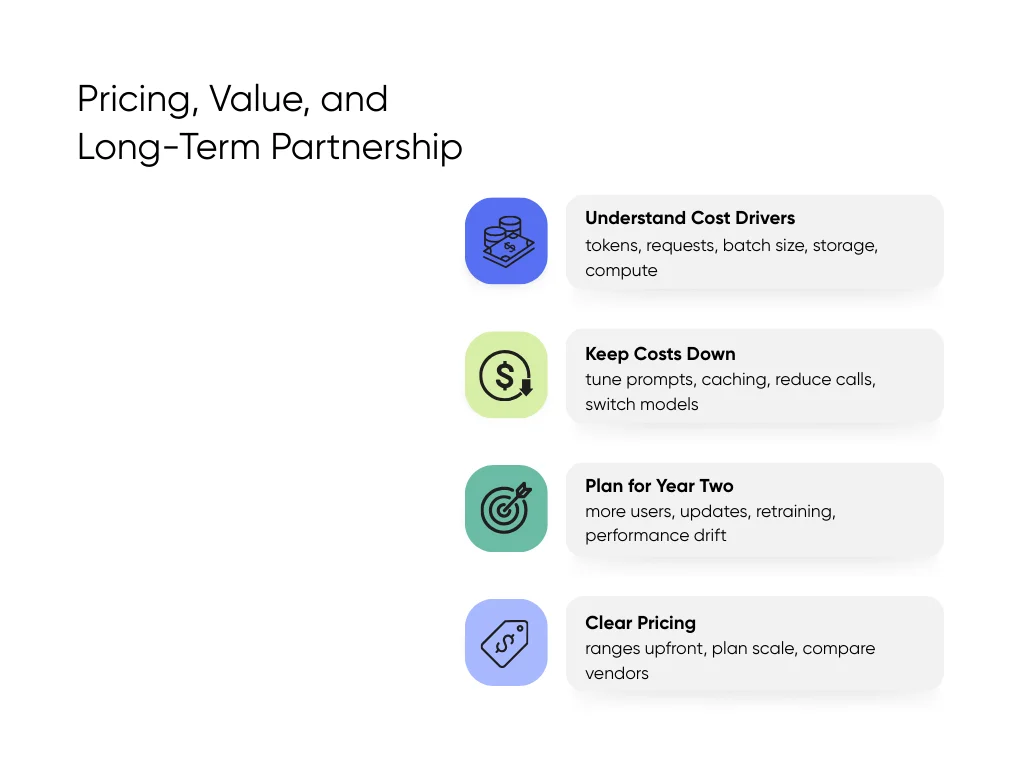
Ask how they keep costs down. Strong vendors explain how they tune prompts, add caching, reduce model calls, or switch to cheaper models as you scale.
Always ask, “What does year two look like?” Costs often jump when more users join or when a model provider updates pricing. You need clear answers on retraining costs, support after launch, and how they handle performance drift as your data grows.
Clear pricing protects your budget. Look for vendors who share their ranges upfront. At Aloa, pricing is transparent: flexible AI help starting at $3K, proof-of-concept builds in the $20K–$30K range, production AI systems between $50K–$150K, and multi-system enterprise work starting at $150K. This makes it easier to plan for scale and compare vendors on equal terms.
Why Aloa Checks These Boxes as an AI Partner
At Aloa, the same engineers who design your system also build and support it. They set up how your data flows in, train the model on your files, connect it to your tools, and step in when something breaks. Our AI development services focus on systems your team can use in daily work, not short pilots.
We build enterprise use cases that match what teams actually deal with. For finance teams, we’ve built systems that read bank and account data, scan receipts, and apply tax rules across large batches of records. For healthcare teams, we’ve delivered patient apps and AI workflows that keep health data protected and meet HIPAA rules. Our industry solutions plug into tools like EHRs, CRMs, and internal portals.
We don’t guess on models. We test several options using your data, compare accuracy, speed, and cost, and deploy in whatever setup you need: cloud, private VPC, or on-prem. Our generative AI services also include human review when your workflow needs an extra check.
With Aloa, you work with engineers who build and run your system, not agency teams checking boxes. We solve the problems other vendors struggle with, because our builders test new models the hour they drop and refine your pipeline as your needs change. You’ll feel the difference the minute you talk to us.
Key Takeaways
Choosing an AI vendor is a big call. At the enterprise level, it affects your customer data, your daily workflows, and the time your team spends fixing issues rather than shipping new features. The eight checks in this guide help you compare vendors more efficiently. Use them as an enterprise AI vendor evaluation checklist in RFPs, on vendor scorecards, and during early calls so you judge every option on the same terms.
If you want a partner who already works this way, we would love to talk to you. At Aloa, our engineers build and run your system in-house and connect it to the tools you already use, within your security and compliance rules. We use this checklist with your team to choose the right approach and map out a workable build. Our craft speaks louder than our pitch; we’re builders obsessed with quality.
Schedule a call with us to get started.
FAQs
What if a vendor scores well on some items but poorly on others? What should we prioritize?
Focus on the parts that can break your rollout. Engineering skill, security, and integrations should come first. For example, a vendor may show a smooth demo but have no way to connect to Salesforce or your internal wiki. That single gap can block your launch for months. A vendor with weak security can force you to rebuild the system later. Rank every item on the checklist, then cut vendors who fail the must-have areas.
How can we spot when a vendor is overselling AI features?
Ask to see the system work on your files. Overselling usually becomes clear when:
- A chatbot answers clean examples but cannot handle short, messy support tickets.
- A document tool reads perfect PDFs but fails on blurry scans or phone photos.
- The vendor avoids direct questions like “Who wrote this code?” or “How do you handle 5,000 files at once?”
If they avoid showing real tests, assume the system cannot handle them. If you want to get better at spotting shaky claims yourself, check out this AI learning path for tech leaders and beginners.
Should we use this checklist for pilots, full builds, or both?
Use it for both. A small pilot can hide issues you will hit later. For example, a pilot may ignore permissions, skip security checks, or process only a few documents. It may look fine during testing but fail the moment it touches your CRM or a large batch of files. This checklist helps you catch weak spots early so the pilot leads to a working system, not a restart.
You may also check our curated guides to top-rated AI certification programs so you can build stronger AI skills while the project takes shape.
When does it make sense to work with an AI partner like Aloa?
Working with an AI partner makes sense when your team can’t keep up with how quickly AI tools, models, and patterns change. Building an in-house group takes time, and your engineers may still be learning LLMs, vector search, and workflow design. During that ramp-up, you still need working software, not stalled pilots.
Aloa’s engineers and AI consulting team handle this work every day. We build pipelines, test new models as soon as they’re released, and know how to connect them to your data, tools, and security rules. Your team gets a working pilot and a clear technical plan, supported by people who already know the newest approaches.